
MCP Servers Explained — Why Every AI Product Needs One
Every time I integrate an AI model into a product, I hit the same wall: the model is smart, but it is blind. It cannot see your database, your files, your APIs, or your internal tools. So what do we do? We build custom glue code. Every. Single. Time.
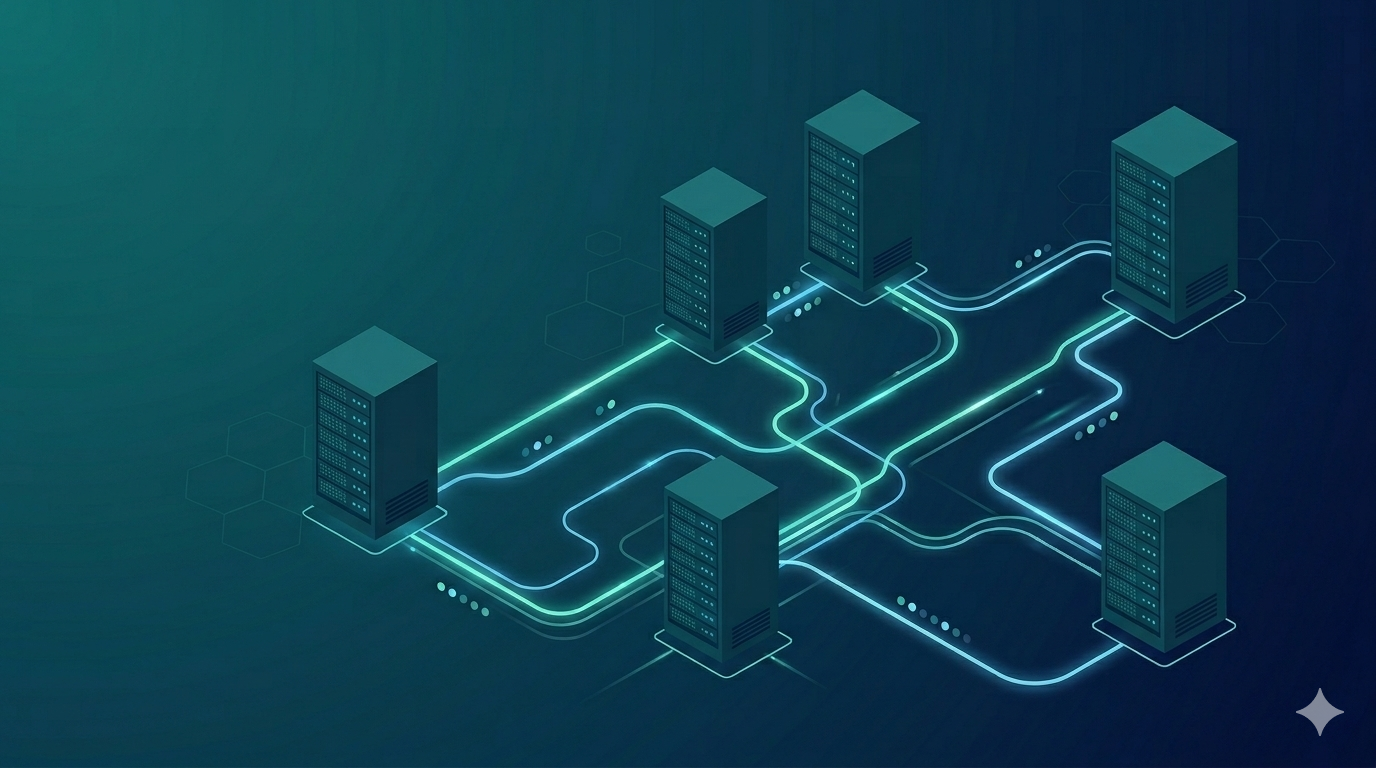
If you have 5 AI tools and 8 data sources, you end up writing 40 integrations. That does not scale. The Model Context Protocol (MCP) changes the equation from N x M to N + M, and after working with it for the past few months, I am convinced it is one of the most important infrastructure pieces in the AI tooling space right now.
The Problem MCP Solves
AI models are powerful reasoning engines, but they operate in isolation. Claude does not know what is in your PostgreSQL database. GPT cannot read your local files. Gemini has no idea what is in your Jira backlog.
The traditional solution is to build bespoke integrations for every combination of model and tool. Need Claude to query your database? Write a custom tool. Need GPT to do the same thing? Write another one. Need both models to also access your file system? That is four integrations now.
This is the classic N x M problem. With N models and M tools, you need N x M custom integrations. It is exactly the problem we had with hardware peripherals before USB came along. Every printer had its own cable, every keyboard had a different port. USB standardized the interface, and suddenly any device could talk to any computer.
MCP is the USB port for AI.
What Is MCP
The Model Context Protocol is an open protocol created by Anthropic for connecting AI models to external tools, data sources, and services. Instead of building custom integrations for each model-tool pair, you build one MCP server per tool and one MCP client per model. Done.
The architecture follows a clean client-server pattern:
1
2
3
4
5
6
Host (Claude Desktop, IDE, your app)
  └── MCP Client
        └── MCP Server
              ├── Tools (actions the model can take)
              ├── Resources (data the model can read)
              └── Prompts (reusable prompt templates)
The host is the application running the AI model. The client maintains a connection to the server. The server exposes capabilities — tools, resources, and prompts — through a standardized JSON-RPC interface.
The key insight is that the server does not need to know which model is calling it, and the model does not need to know how the server works internally. They just speak the same protocol.
How MCP Works
MCP uses JSON-RPC 2.0 as its message format and supports two transport mechanisms:
- stdio — the server runs as a subprocess and communicates over standard input/output. This is the simplest option and works great for local tools.
- Streamable HTTP — the server exposes an HTTP endpoint using Server-Sent Events for streaming. This is what you use for remote servers and production deployments.
The lifecycle is straightforward:
- Initialize — the client connects and they exchange capabilities. The server declares what tools, resources, and prompts it offers.
- Use — the host sends requests. When the model decides to call a tool, the client forwards the request to the server, gets the result, and feeds it back to the model.
- Shutdown — the connection closes gracefully.
The three main capability types are:
- Tools — functions the model can invoke (e.g., “query the database”, “create a GitHub issue”, “send a Slack message”). This is the same concept of tool use that powers AI agents — MCP just standardizes how tools are exposed.
- Resources — read-only data the model can access (e.g., file contents, database schemas, API documentation)
- Prompts — reusable prompt templates that the server can offer to guide the model’s behavior
Building a Simple MCP Server
Here is a practical example. Let’s say you want your AI to query a SQLite database. With the MCP Python SDK, you can build this in about 30 lines:
1
2
3
4
5
6
7
8
9
10
11
12
13
14
15
16
17
18
19
20
21
22
23
24
25
26
27
28
29
30
31
32
33
34
35
36
37
38
39
import sqlite3
from mcp.server.fastmcp import FastMCP

mcp = FastMCP("Database Explorer")

DB_PATH = "app.db"

@mcp.tool()
def query_database(sql: str) -> str:
    """Execute a read-only SQL query against the application database.
    Only SELECT statements are allowed for safety."""
    if not sql.strip().upper().startswith("SELECT"):
        return "Error: Only SELECT queries are allowed."

    conn = sqlite3.connect(DB_PATH)
    try:
        cursor = conn.execute(sql)
        columns = [desc[0] for desc in cursor.description]
        rows = cursor.fetchall()
        result = [dict(zip(columns, row)) for row in rows]
        return str(result)
    except Exception as e:
        return f"Query error: {e}"
    finally:
        conn.close()

@mcp.resource("schema://tables")
def get_schema() -> str:
    """Return the database schema so the model knows what tables exist."""
    conn = sqlite3.connect(DB_PATH)
    cursor = conn.execute(
        "SELECT sql FROM sqlite_master WHERE type='table'"
    )
    schemas = [row[0] for row in cursor.fetchall()]
    conn.close()
    return "\n\n".join(schemas)

if __name__ == "__main__":
    mcp.run()
That is it. You now have an MCP server that any MCP-compatible client can connect to. Claude can query your database. Cursor can query it. Any future AI tool that supports MCP can use it too, without changing a single line of server code.
Real MCP Servers in Action
The MCP ecosystem is growing fast. Here are some servers I have used in production workflows:
- Filesystem — gives the model read/write access to specified directories. I use this to let Claude navigate project structures without copy-pasting paths.
- GitHub — create issues, open PRs, search code, manage repos. This is one of the most polished MCP servers available.
- PostgreSQL / SQLite — query databases with natural language. The model writes the SQL, the server executes it safely.
- Slack — send messages, read channels, search conversations. Great for building AI-powered team assistants.
- Brave Search — gives the model web search capabilities so it can look up current information.
- Custom internal tools — this is where it gets really powerful. I have built MCP servers that wrap internal APIs, deployment pipelines, and monitoring dashboards. Once it is an MCP server, any AI tool in the team’s stack can use it.
MCP in Claude Code and IDEs
If you are using Claude Code (Anthropic’s CLI tool), you are already using MCP. Claude Code can connect to MCP servers defined in your project configuration. You add a server to your .claude.json or claude_desktop_config.json:
1
2
3
4
5
6
7
8
9
10
11
{
  "mcpServers": {
    "database": {
      "command": "python",
      "args": ["mcp_db_server.py"],
      "env": {
        "DB_PATH": "./app.db"
      }
    }
  }
}
Once configured, Claude Code automatically discovers the tools and resources the server offers. You can then ask Claude things like “What tables are in the database?” or “Find all users who signed up last week” and it will call your MCP server to get the answer.
The same pattern works in VS Code with the Copilot extension, Cursor, and other IDEs that support MCP. The server code stays the same. You just point a different client at it. I compared these tools in detail in my Claude Code vs Cursor vs Copilot breakdown if you want to see how MCP support fits into the bigger picture.
Why This Matters for AI Products
If you are building an AI-powered product, MCP is not optional anymore. Here is why:
Standardization kills integration tax. Every hour your team spends writing custom tool integrations is an hour not spent on the actual product. MCP eliminates that category of work. Build the server once, connect it to anything.
Composability creates compound value. When your database server, your GitHub server, and your Slack server all speak MCP, the model can chain them together. “Find the latest failed deployment, look up the related PR, and post a summary in the engineering channel.” That is three MCP servers working together through one model, with zero custom orchestration code.
The ecosystem effect is real. As more servers get built and shared, the cost of adding capabilities to your AI product drops toward zero. Need web search? There is an MCP server for that. Need to read PDFs? There is one for that too. It is the same flywheel that made npm and Docker Hub so powerful.
Future-proofing. Today you might be using Claude. Tomorrow you might switch to a different model. If your tools are MCP servers, you do not have to rewrite any of them. The protocol is model-agnostic by design.
Getting Started
If you want to start building with MCP, here are the resources I recommend:
- MCP Specification — spec.modelcontextprotocol.io — the full protocol documentation
- Python SDK — github.com/modelcontextprotocol/python-sdk — the official Python implementation with the
FastMCPhigh-level API - TypeScript SDK — github.com/modelcontextprotocol/typescript-sdk — for Node.js-based servers
- Example Servers — github.com/modelcontextprotocol/servers — reference implementations for filesystem, GitHub, Slack, databases, and more
- Claude MCP Docs — docs.anthropic.com — guides on using MCP with Claude Desktop and Claude Code
My advice: start small. Pick one data source your team accesses frequently — a database, an internal API, a knowledge base — and wrap it in an MCP server. Use it with Claude Code or Cursor for a week. Once you see how it changes your workflow, you will want to build servers for everything.
MCP is not just a protocol. It is the infrastructure layer that makes AI tools genuinely useful in real-world engineering workflows. The teams that adopt it early will ship AI-powered features faster than everyone else.